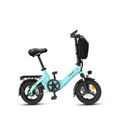
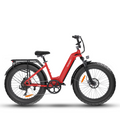
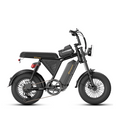
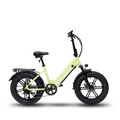
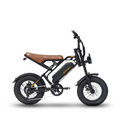
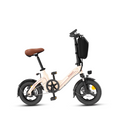
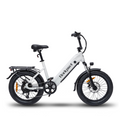
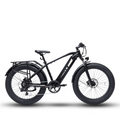
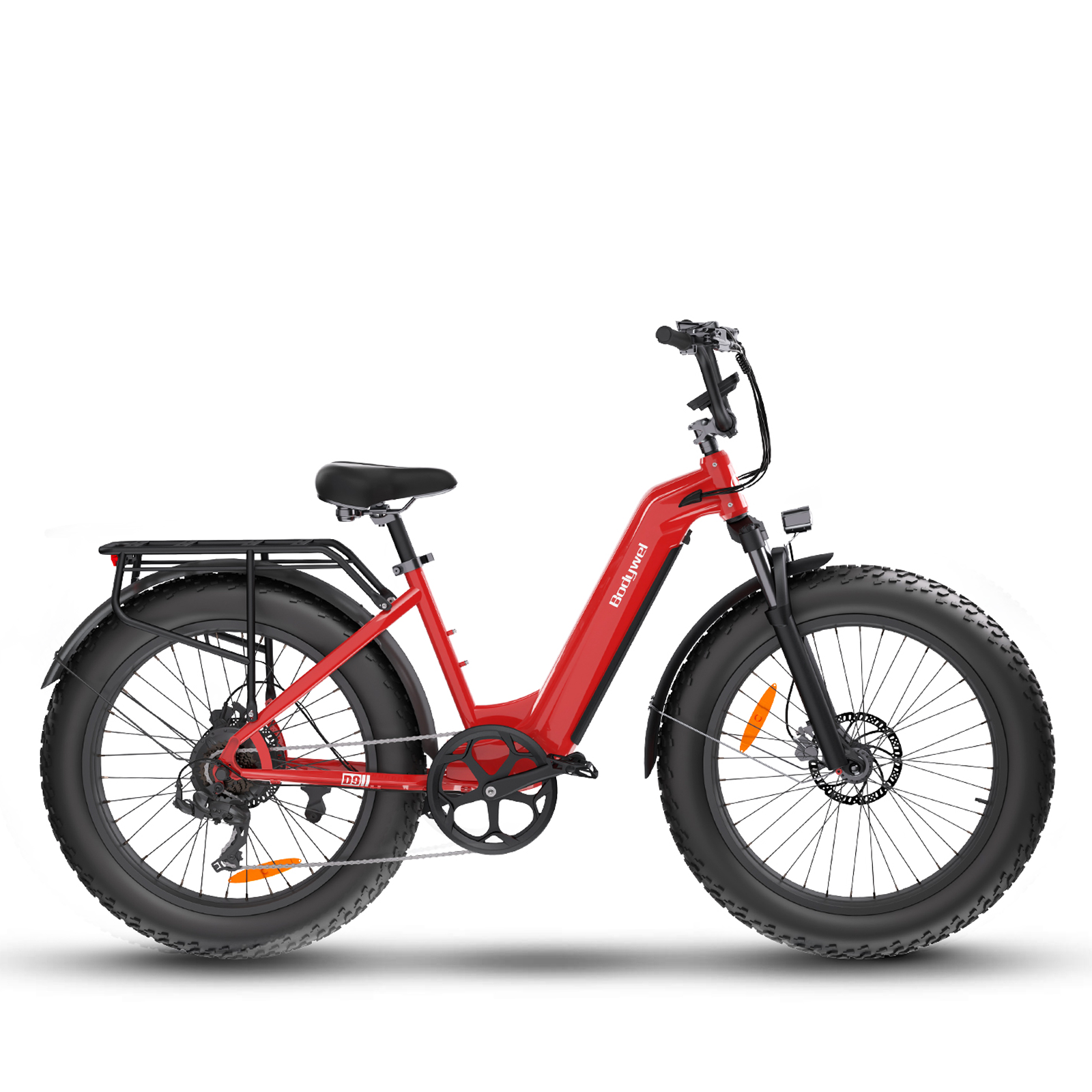
If you own a Bodywel T16PRO, F20 Series, A26, A275, or M275, your bike comes equipped with a 4.5-inch Smart LED Display—a compact yet powerful command center built to enhance every ride.
This display is not just a screen. It is your real-time riding assistant, helping you stay informed, in control, and confident whether you’re commuting through the city, cruising countryside roads, or handling daily errands.

Why the 4.5" Bodywel LED Display Makes a Difference
The Bodywel LED Display is designed with clarity, simplicity, and practicality in mind. Every element is optimized for real-world riding conditions.
Clear & Readable at a Glance
-
4.5-inch LED screen offers excellent visibility in both daylight and low-light conditions
-
High-contrast digits ensure your speed, assist level, and battery status are easy to read while riding
-
Minimalist layout reduces distraction and keeps your focus on the road
Real-Time Riding Data
-
Current speed
-
Pedal Assist System (PAS) level
-
Trip distance & total mileage
-
Battery power status
The display provides essential ride information in real time. This allows you to better manage your riding pace, battery usage, and travel range—especially useful for longer rides or daily commuting.
Designed for Everyday Reliability
-
IPX 5 weather-resistant design for daily outdoor use
-
Intuitive button layout allows operation without removing your hands from the handlebar
-
Built-in diagnostic system alerts you to potential issues before they become serious problems
Whether you are a first-time e-bike rider or an experienced commuter, the display keeps everything straightforward and stress-free.
1. At a Glance: Understanding Your Dashboard
Your display acts as the “brain” of your Bodywel e-bike, presenting all critical ride data in one place. Here’s what you’ll see on the screen:
PAS Level
Located at the top of the display, this shows your current pedal-assist level (0–3).
Level 0: No motor assistance
Level 3: Maximum motor support for easier riding
Speedometer
A large digital readout showing your real-time speed in KM/H or MPH, depending on your preferred unit.
Mileage Display
Tracks your riding distance with two modes. The display defaults to showing the single-trip mileage when the display is turned on. The single-trip mileage will reset to zero after the display is turned off.
TRIP – Distance for a single ride
ODO – Total lifetime mileage of the bike
Battery Indicator
A clear 5-bar battery icon shows remaining power at a glance. The five LED lights will gradually turn off as the battery power decreases.
Tip: To avoid interruptions, we recommend recharging once the battery drops to one bar.
Status Icons
Includes indicators for:
-
Headlight status
-
Bluetooth connectivity
-
Wrench icon (system fault alert)

2. The Control Pad: Simple, Intuitive Operation
Positioned conveniently near the handlebar grip, the control pad allows you to adjust settings safely while riding. After all the settings have been completed, the display will emit a single beep, indicating that the setup is complete.
Power & Lighting Control
Power On/Off: Press and hold the Power button for 2 seconds
Headlight: Single-click the M button to turn the front light on or off—ideal for dusk or night riding
Customizing Your Ride Data
Switch Units: Double-click the M button to toggle between KM/H and MPH
Mileage View: Triple-click the M button to switch between TRIP and ODO
Pedal Assist & Walking Mode
Adjust PAS Level: Use the “+” and “-” buttons to change assist levels
Walking Assist: Press and hold the “-” button to activate 6 km/h walking mode—perfect for ramps or steep slopes
3. Advanced Settings & Quick Resets
For riders who want more control over their system data, the display supports shortcut combinations:
-
Reset Total Mileage (ODO):
Hold “+” and “-” together, then press “M” three times
-
Reset Bluetooth Connection:
Hold “+” and “-” together, then press “M” six times
4. Safety & Troubleshooting
Your Bodywel e-bike includes a built-in self-diagnostic system. If the Wrench icon appears, a fault code will display on the screen.
|
Code
|
Meaning
|
Code
|
Meaning
|
|
E0
|
Hall failure
|
E5
|
Motor failure
|
|
E1
|
MOS failure
|
E6
|
Communication failure
|
|
E2
|
Brake failure
|
E7
|
Zero abnormal fault
|
|
E3
|
Throttle failure
|
E8
|
Stuck fault
|
|
E4
|
Undervoltage fault
|
E9
|
Overvoltage fault
|
Pro Tip: Most E6 communication errors are caused by loose display cables. Always ensure all connectors are securely fastened.
Ride Smarter with Bodywel
The 4.5" LED Display is designed to make riding simpler, safer, and more enjoyable—no unnecessary complexity, just the information you need, when you need it.
Master these controls, and you’ll get the most out of every ride and every battery charge.